
CAVSI offers professional video editing services for businesses, families, weddings, sweet sixteen, and other events. We handle your video needs professionally, cost-effectively, and on time. No project is too simple or too complex. We want to make video editing a simple experience for you.
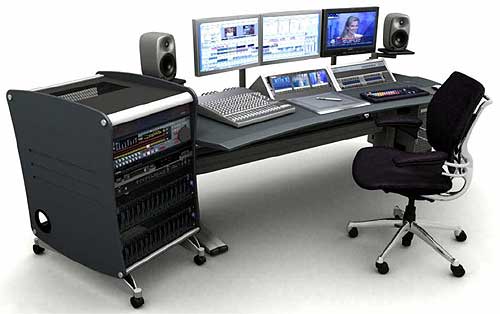
Professional Video Editing – Gift Ideas

Why not share your memories with friends and relatives? Send them a DVD or a video clip to show what your family has done recently.
Professional Video Editing service includes:
- 4.7 GB DVD, 2 units original and copy.
- Menu layout and graphics. Each title will automatically be arranged with a thumbnail video still picture.
- Synchronizing video scenes with background music.
- Special effects between pictures.
- DVD insert and cover print.
- Plastic DVD case.
Advantages of Professional video editing (home movie on DVD):
- Easy-to-navigate menus with custom chapter points allow you to watch what you want when you want.
- Videotapes wear out because of the rub with the VHS player head. The picture and sound quality of DVDs will not degrade over time the way videos on VHS do.
- Save space, DVDs are smaller than videotapes. DVDs are compact in design and easy to share with friends and family.
- DVDs can hold approximately 2 hours of video or 1,100 photos.
- Can play and watch DVDs on your computer and capture images from the movie
- Add many years to the life of your DVD videos
Our video editing service can also convert and compress your video for other purposes like integration of videos into the website, into PowerPoint, and flash presentations, for CD-ROMs and DVDs.
Video format we accept



Frequent Questions and Answers about Video Editing
CAVSI offers professional video editing services for businesses, families, weddings, sweet sixteens, and other special events. We handle your video needs professionally, cost-effectively, and on time. No project is too simple or too complex. We want to make video editing a fun and painless experience for you.
There are two main kinds of video editing, linear and non-linear.
Linear video editing involves re-recording multiple tapes onto one or physically cutting and pasting videotape.
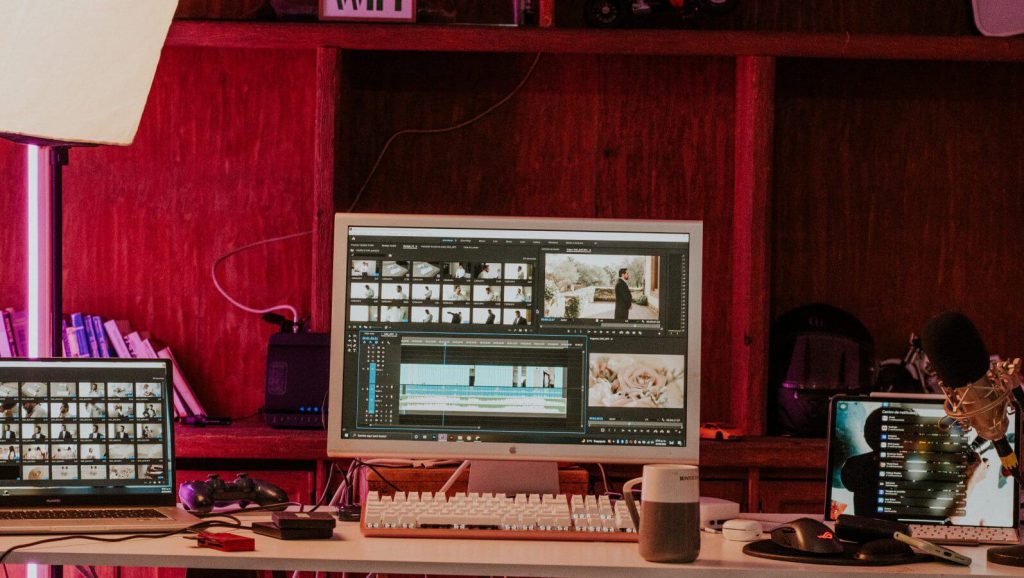
Non-linear video editing is what can be considered the modern way to edit videos. It is done on a computer and uses digital images to rearrange and enhance footage, then record the final product onto a new tape or reel for distribution. Non-linear video editing allows producers to put any two frames together, regardless of what order they were recorded in.
Editing can become very tedious and time-consuming. It is common for clients to believe that their project is simple and just won’t take that long. It is our goal to complete your project in the shortest time possible while providing the highest possible quality.
Not necessarily. Many of our clients can drop off their projects and give us detailed directions so we can edit their videos on our own. This can really be a time-saver for you. You can go on about your day or week, doing your job while we are editing away doing our job! When we are done you simply come back for a viewing and approval.
Well, we can add to a video, effects such as dissolves, wipes, titles, slow and fast motion, split screens, etc. Just describe what you are looking for.
Sure. Just give us a call for more details.
We use a computer with a non-linear editing system. What this means to you, is quality and convenience.
Nothing you can do will prevent your video tapes from wearing out. Convert your home videos to DVD videos, don’t let them fade away. Temperature, humidity, carelessness, time, etc. wear out your video tapes. When they are rubbed by the VHS player head, cause deterioration, losing the quality of image and sound.
Yes. Our whole system is digital. We take your tape and convert it from analog to digital. From that point on there is no loss of quality.
That is no problem. We consider these types of projects to be much simpler and less complex, so we can usually give you a firm price at the beginning.
Professional Video Editing
- Add photos to video
- Transfer videos to computer
- Professional Video editing
- Scene main menu (divided in chapters)
- Custom main menu
- Standard DVD insert and cover
- Custom DVD insert and/or DVD cover
- Print custom DVD insert and/or DVD cover
- Additional DVD copy master
- Video Editor